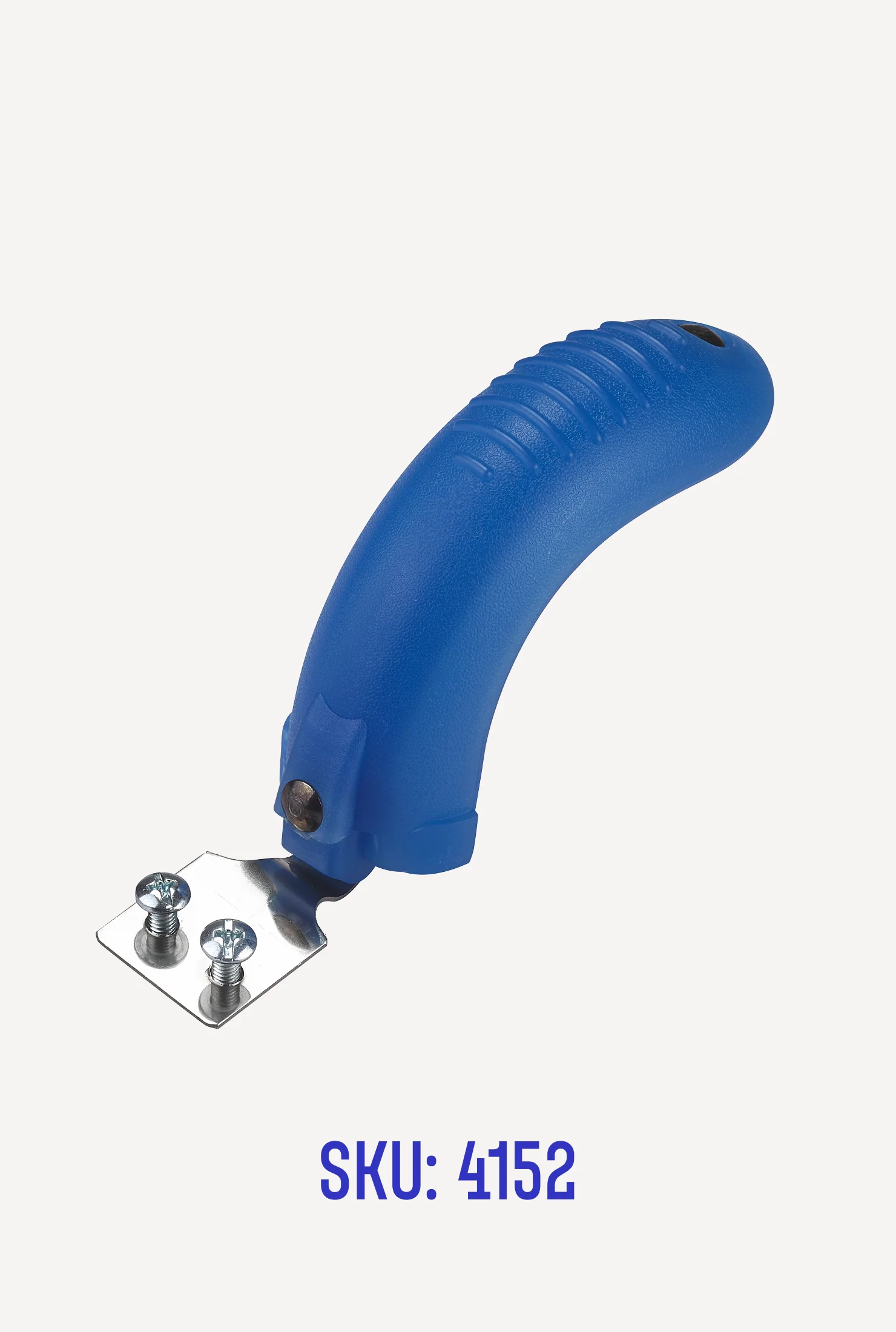
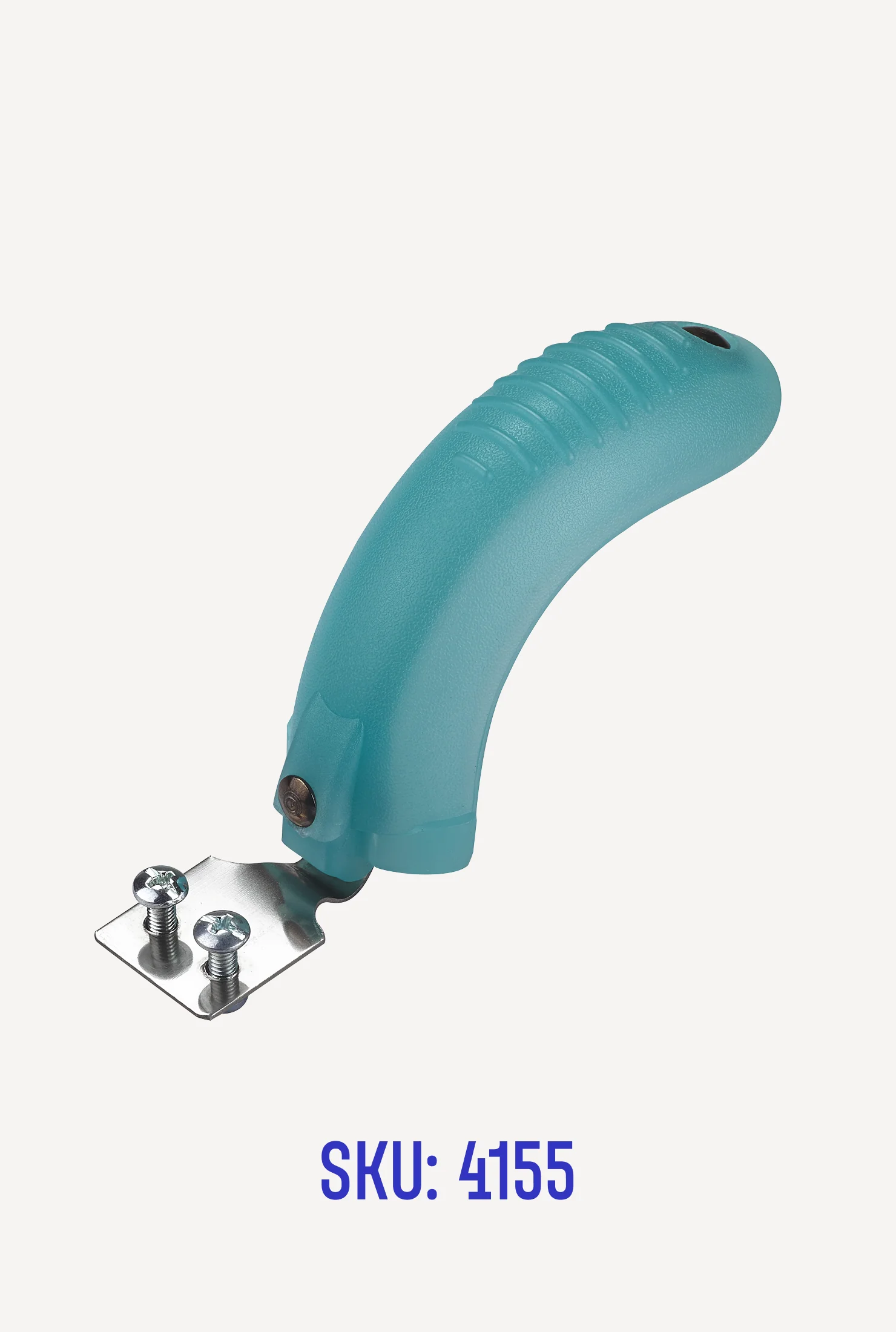
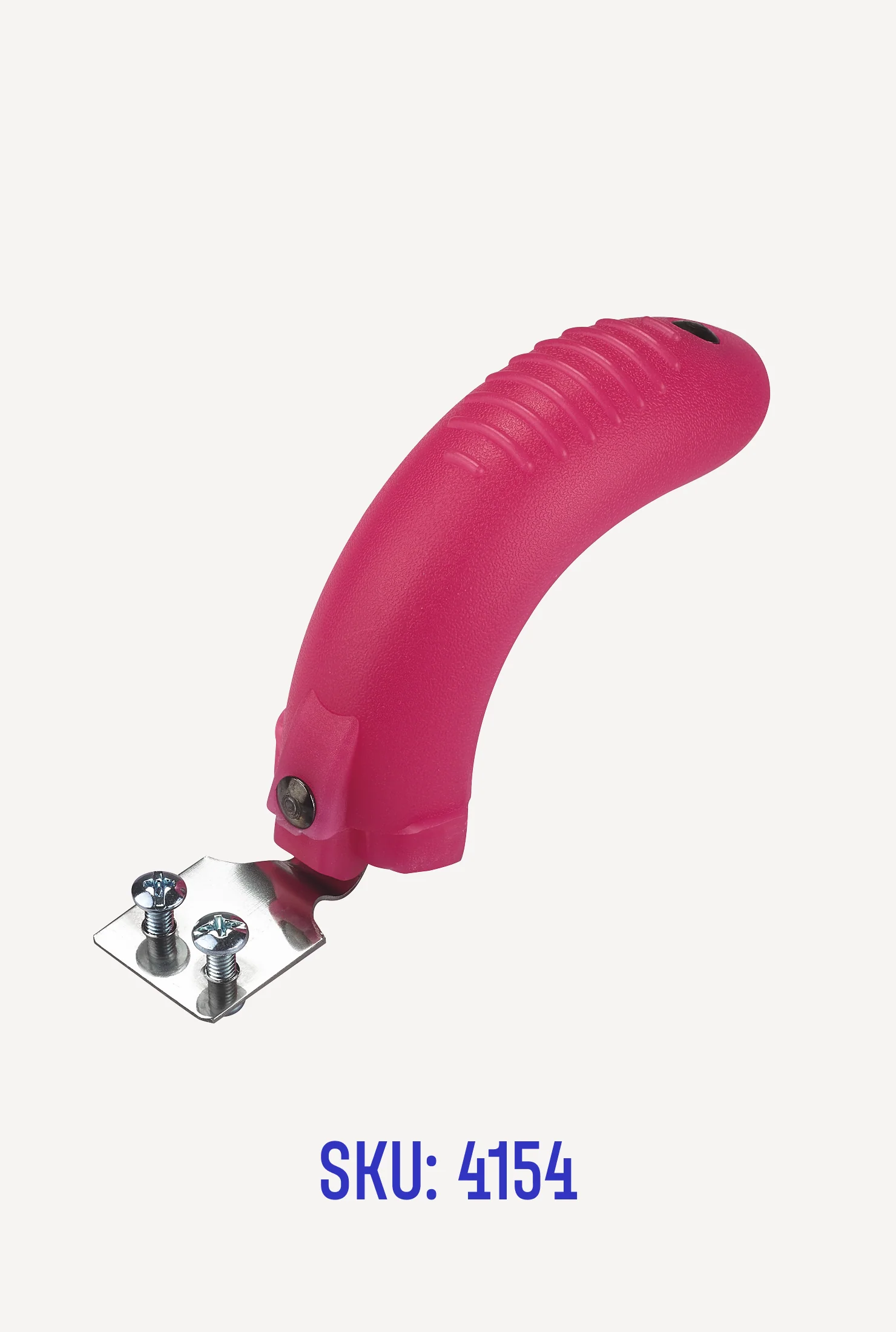
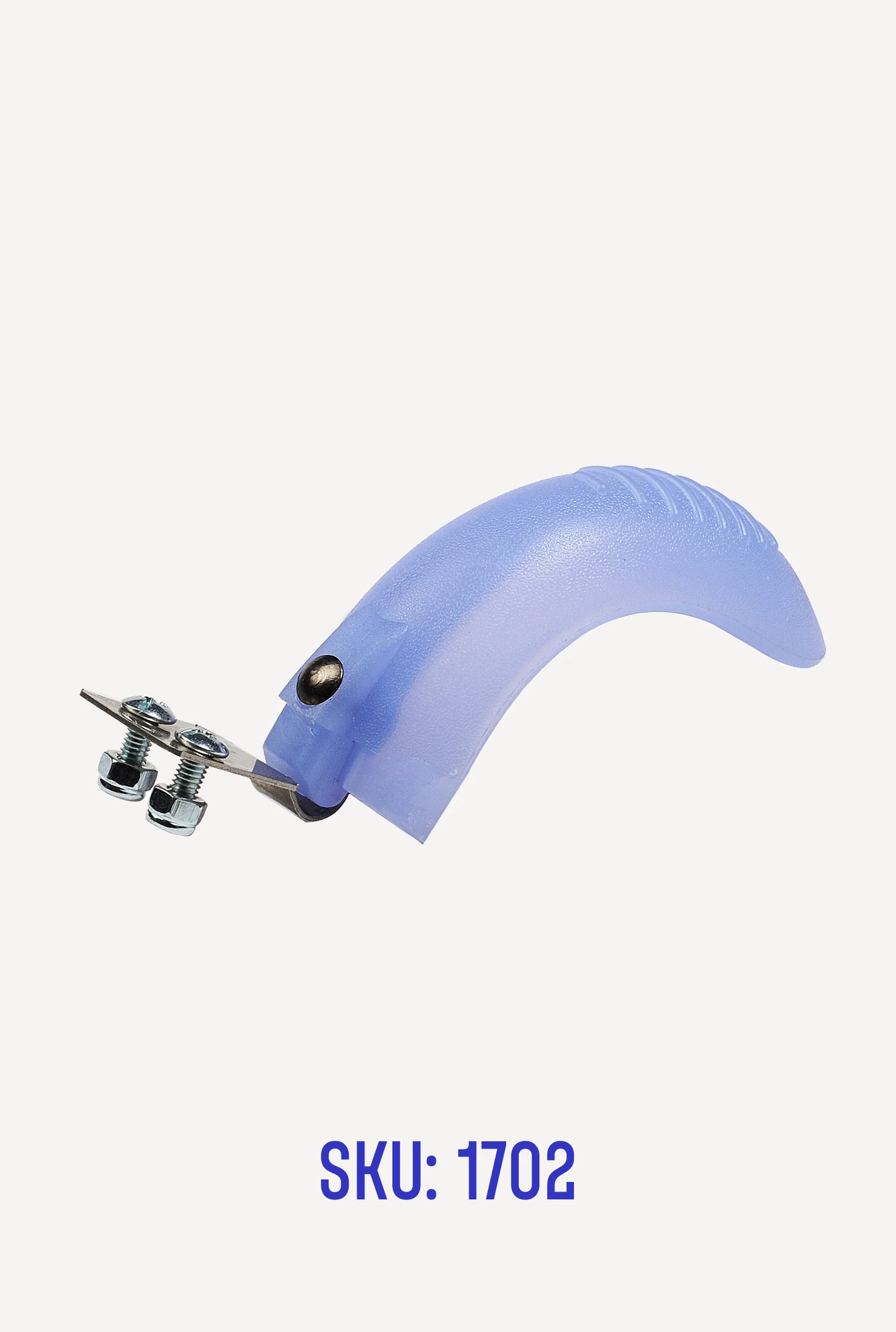
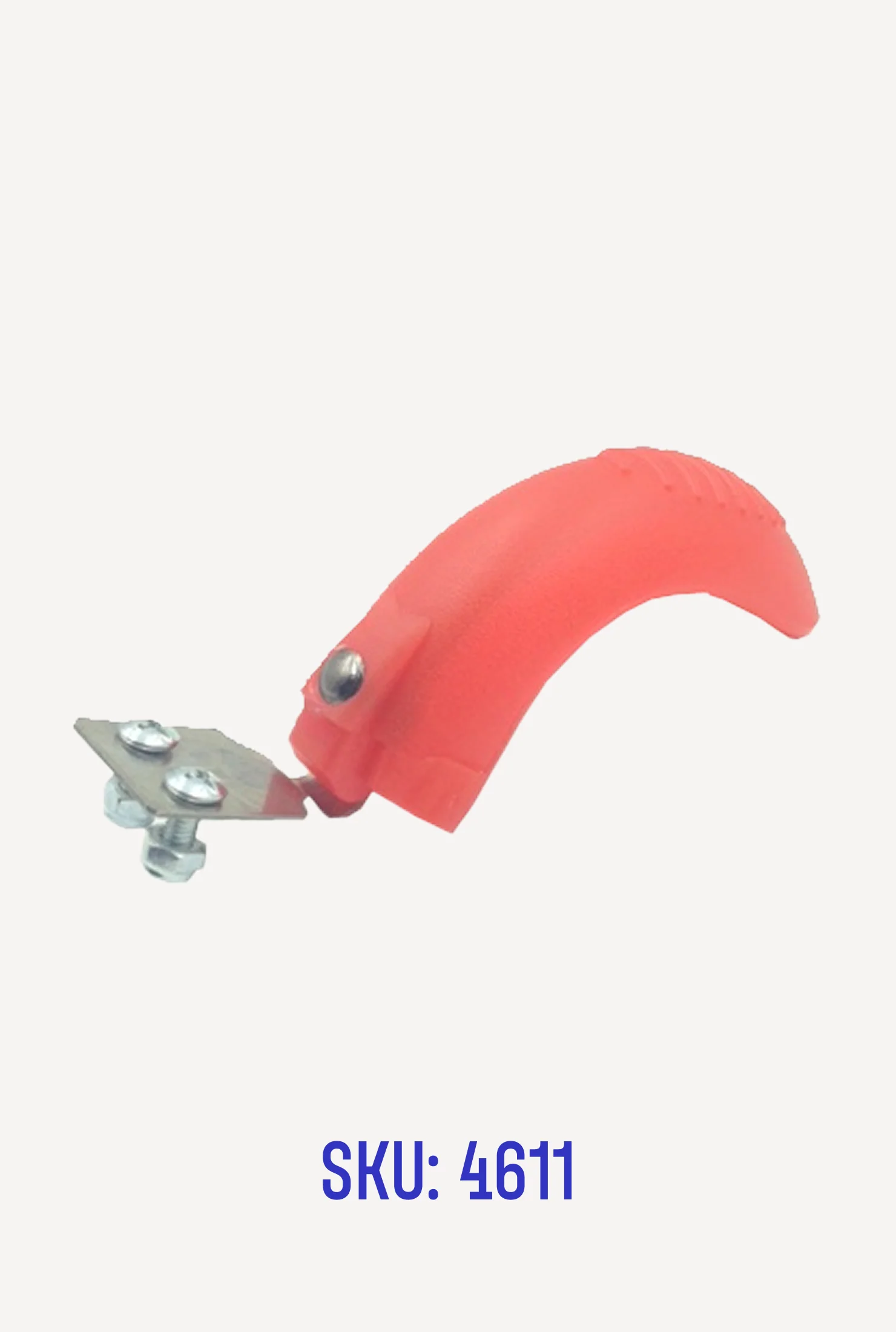
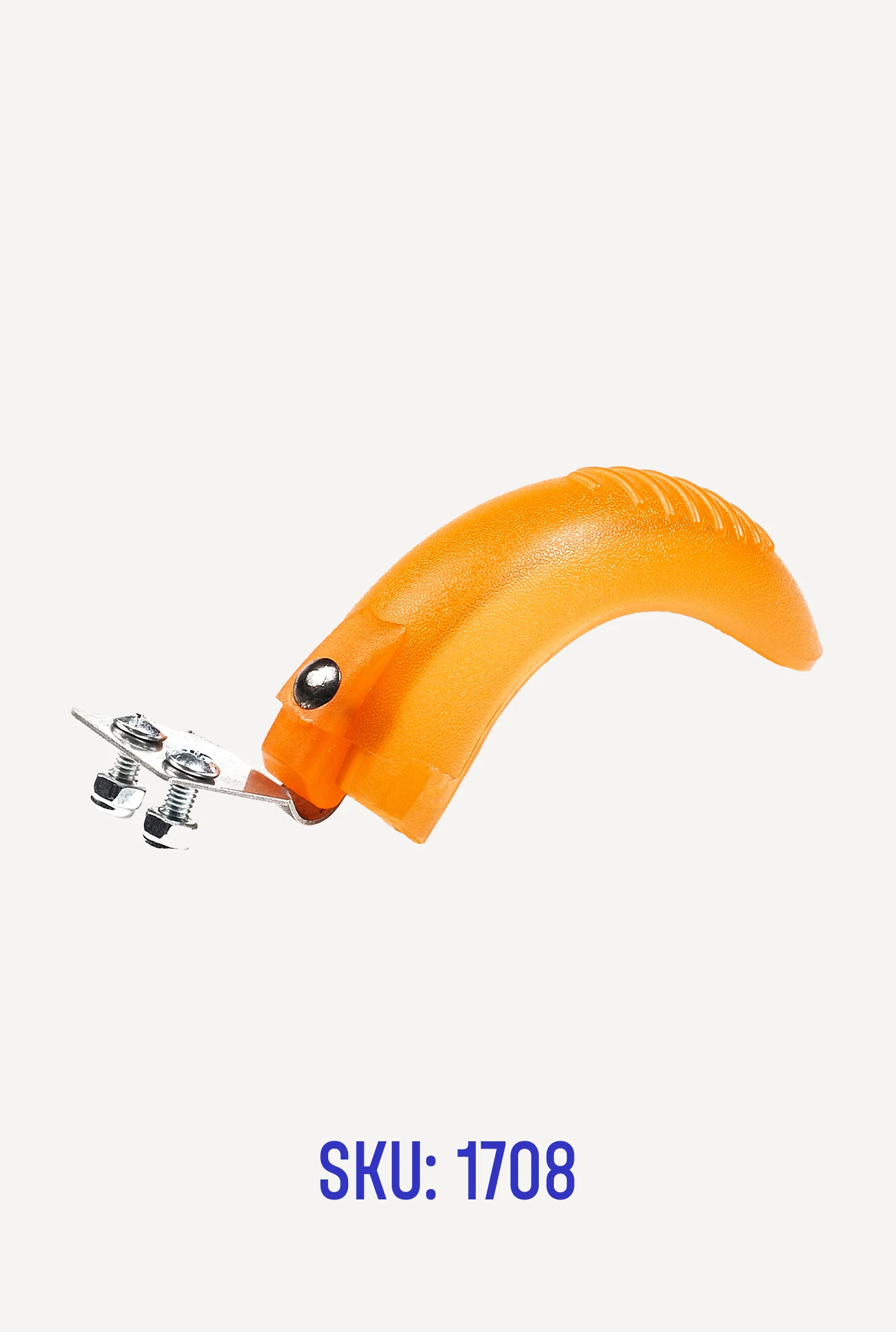
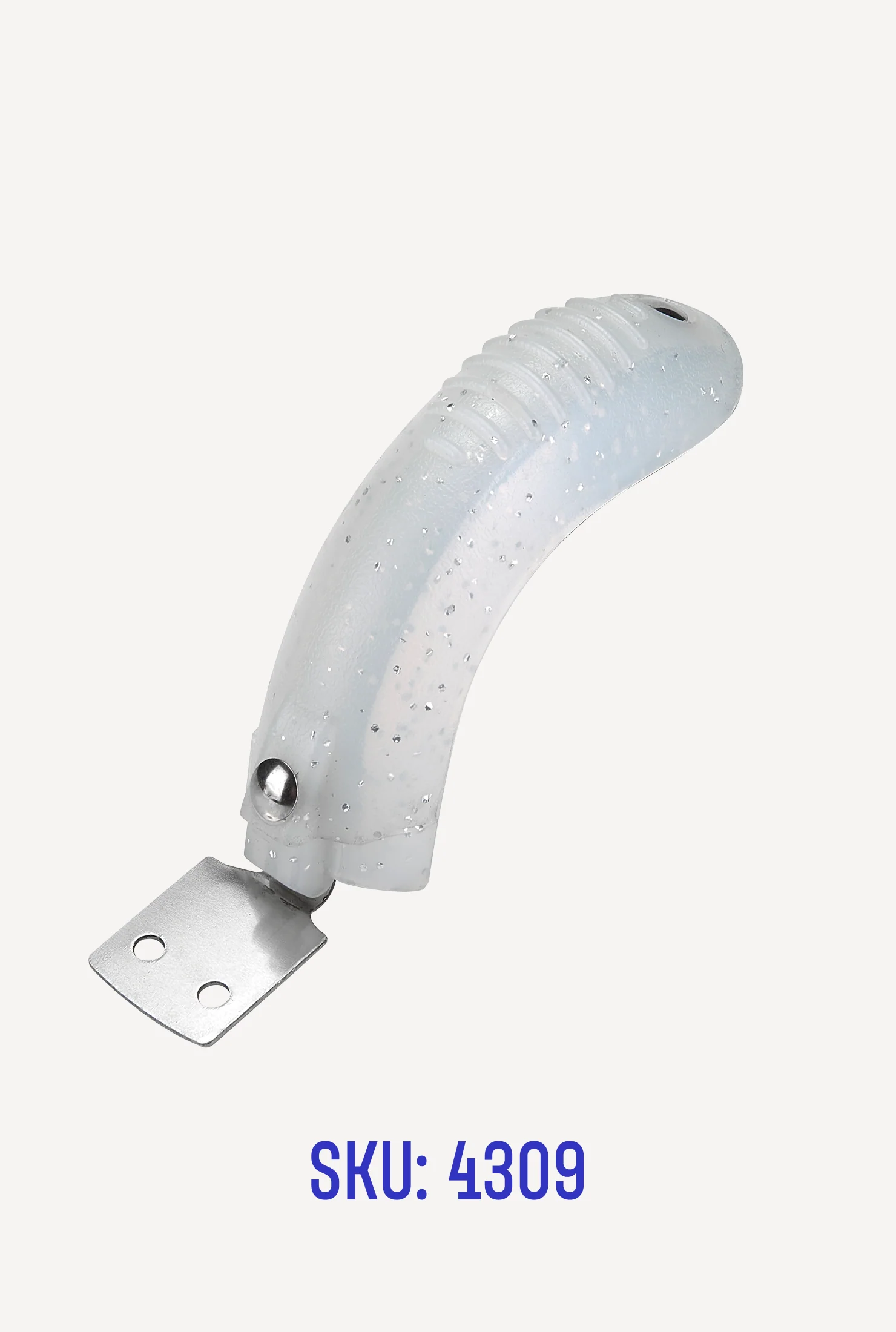
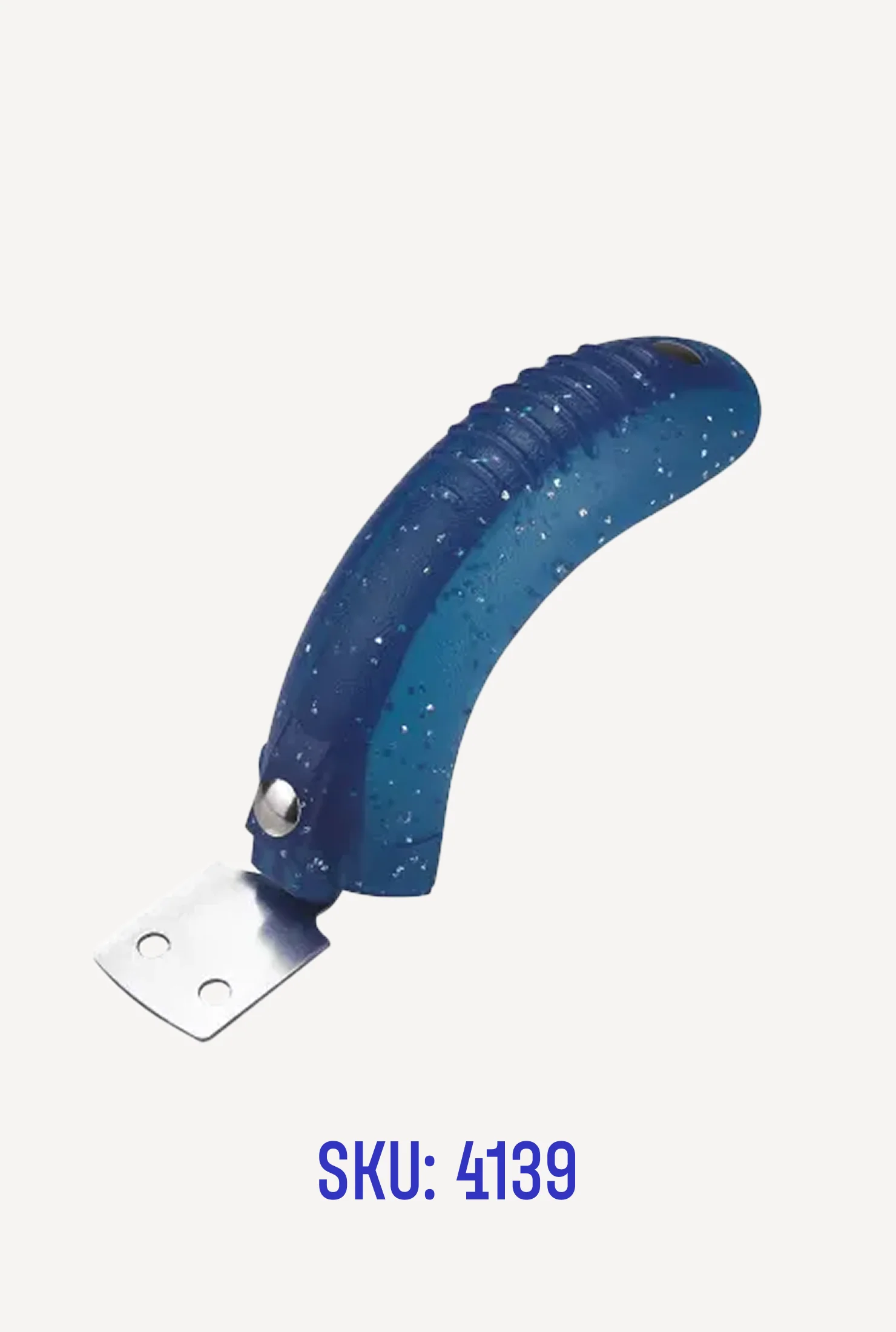
Parts: Brake for Mini
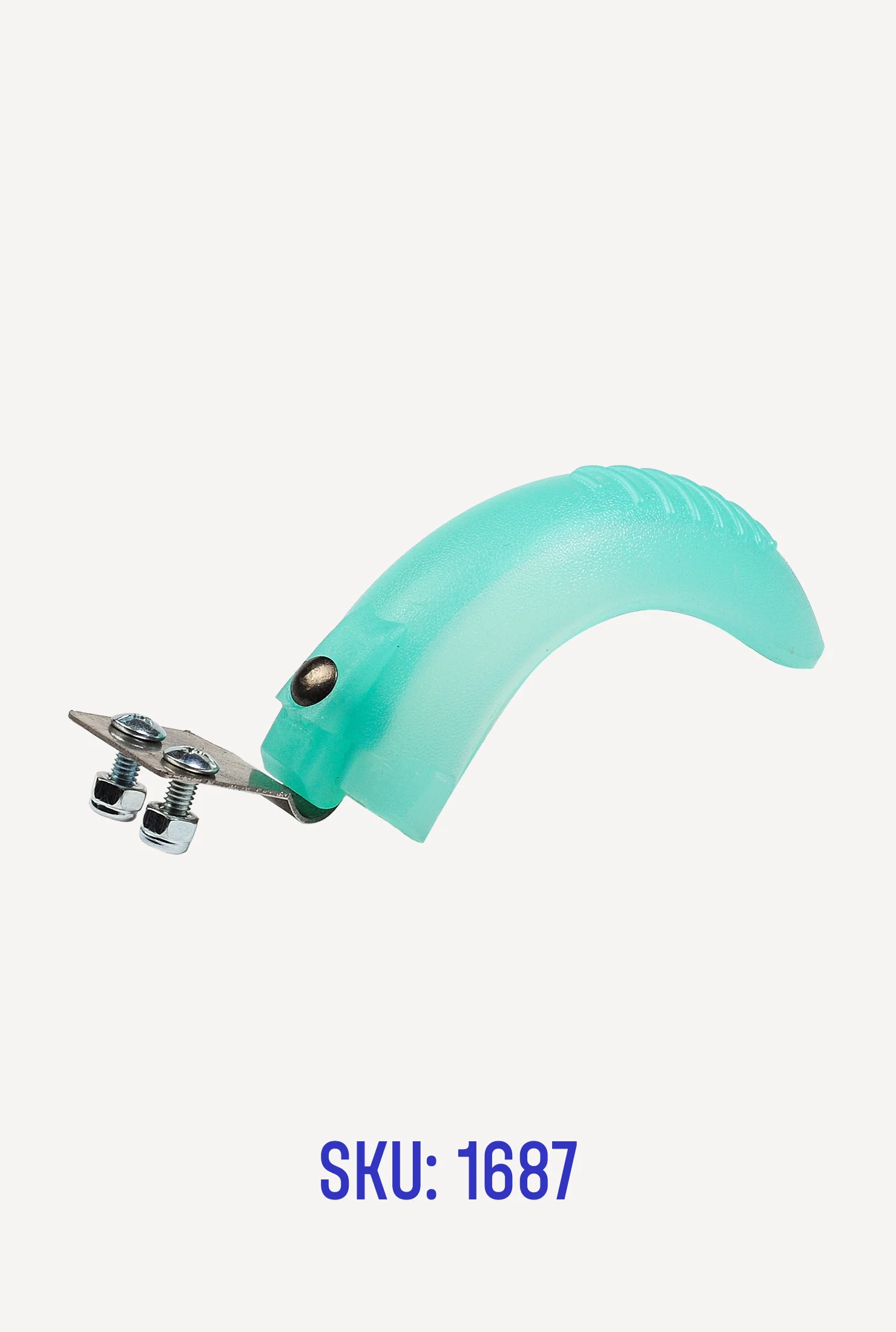
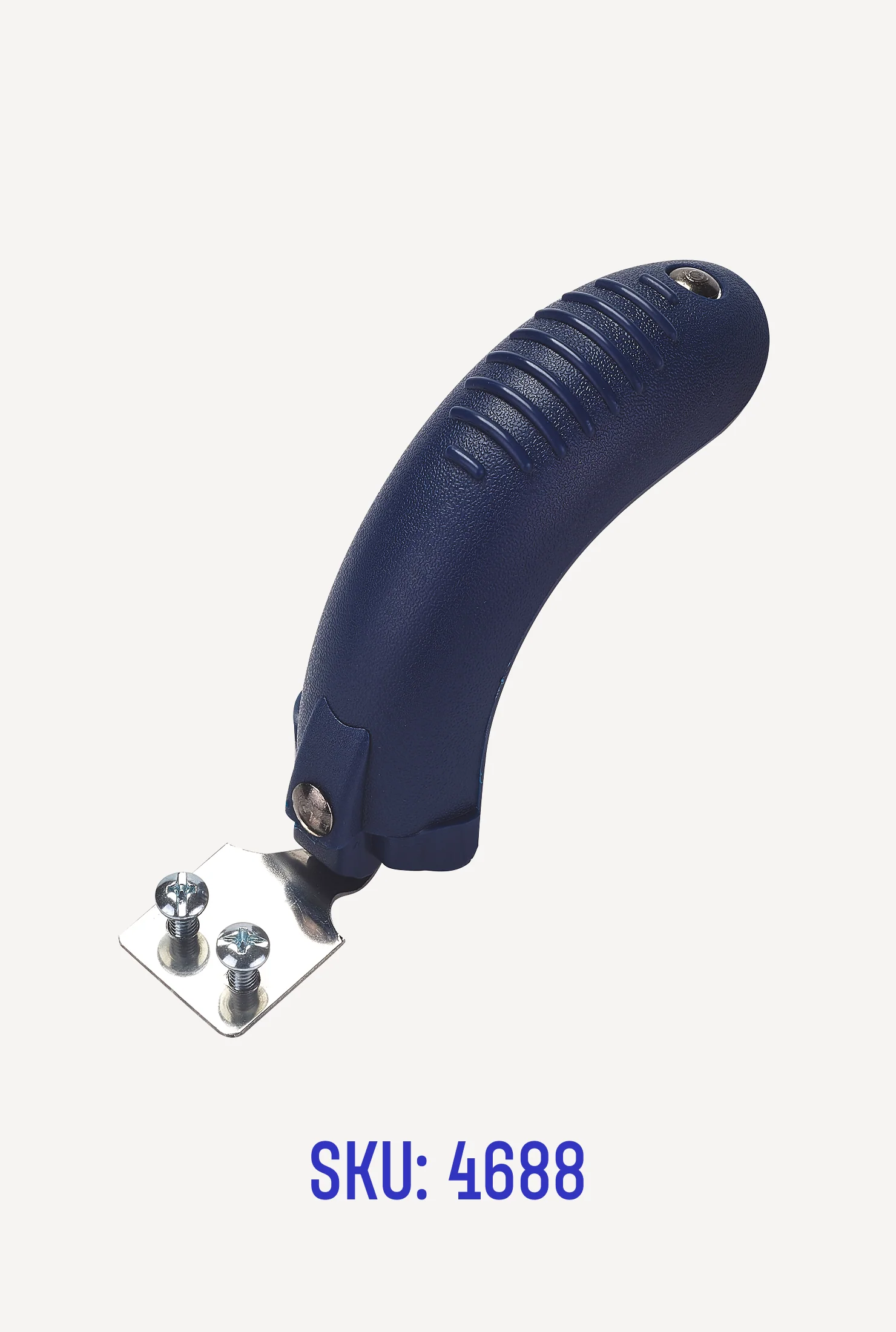
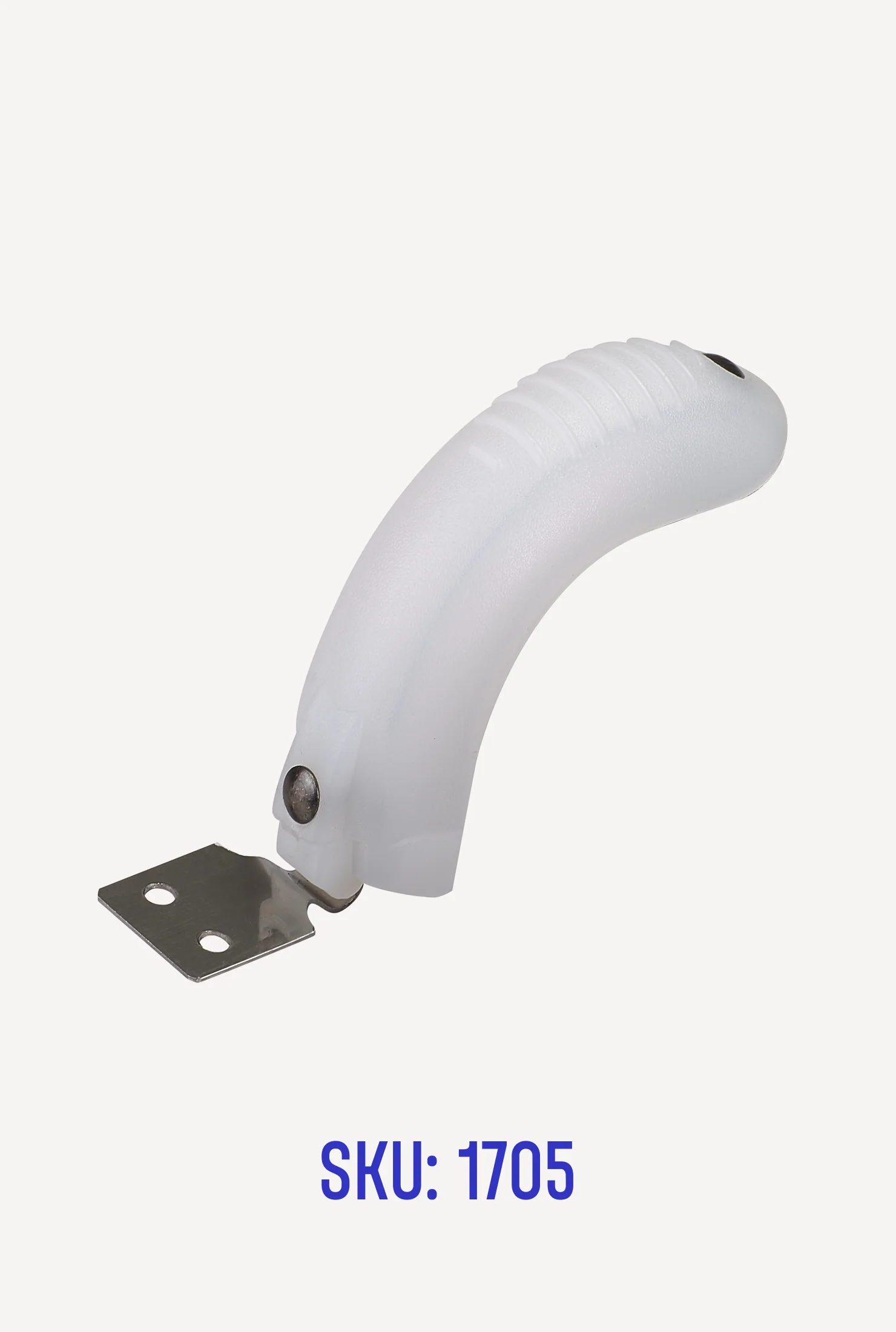
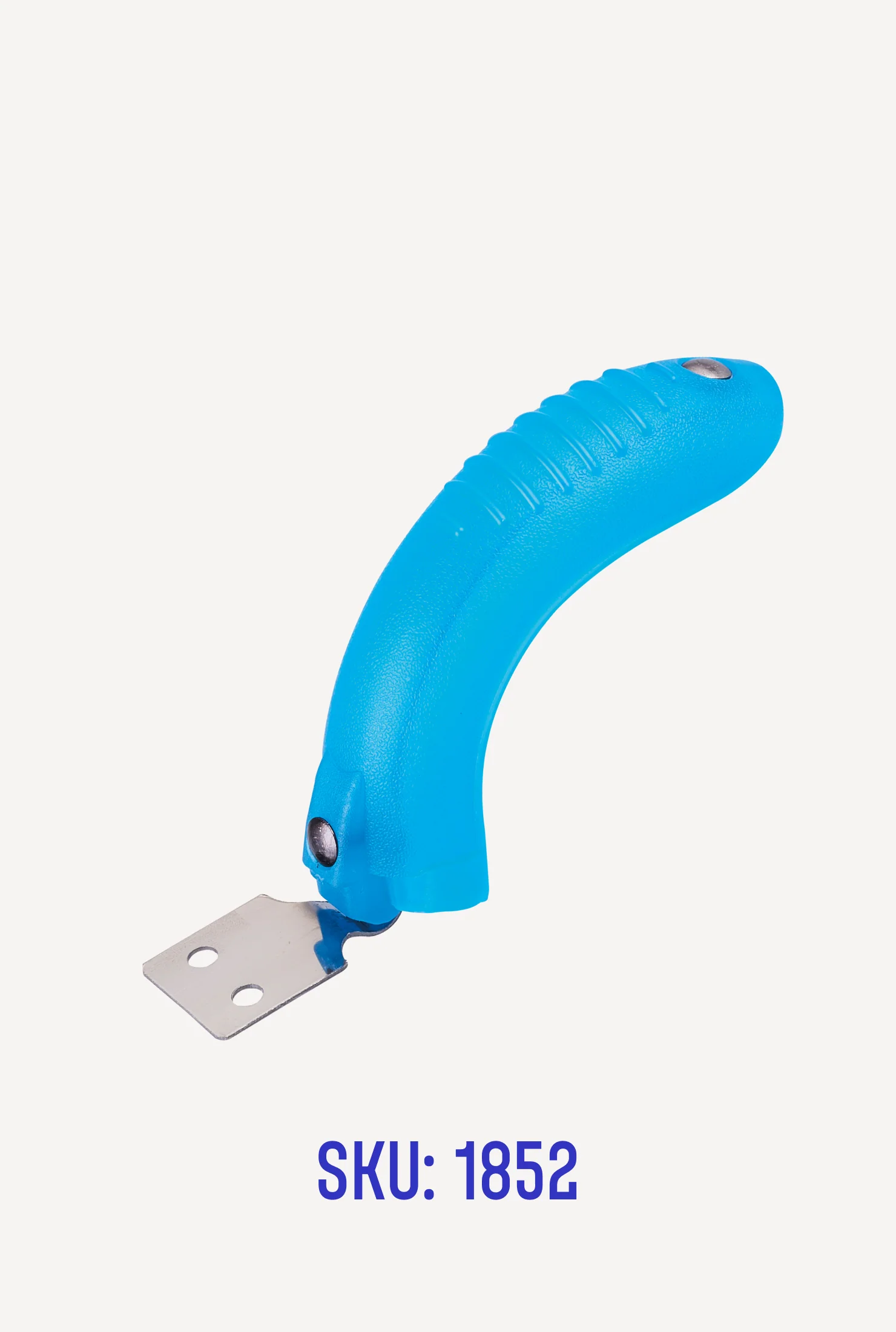
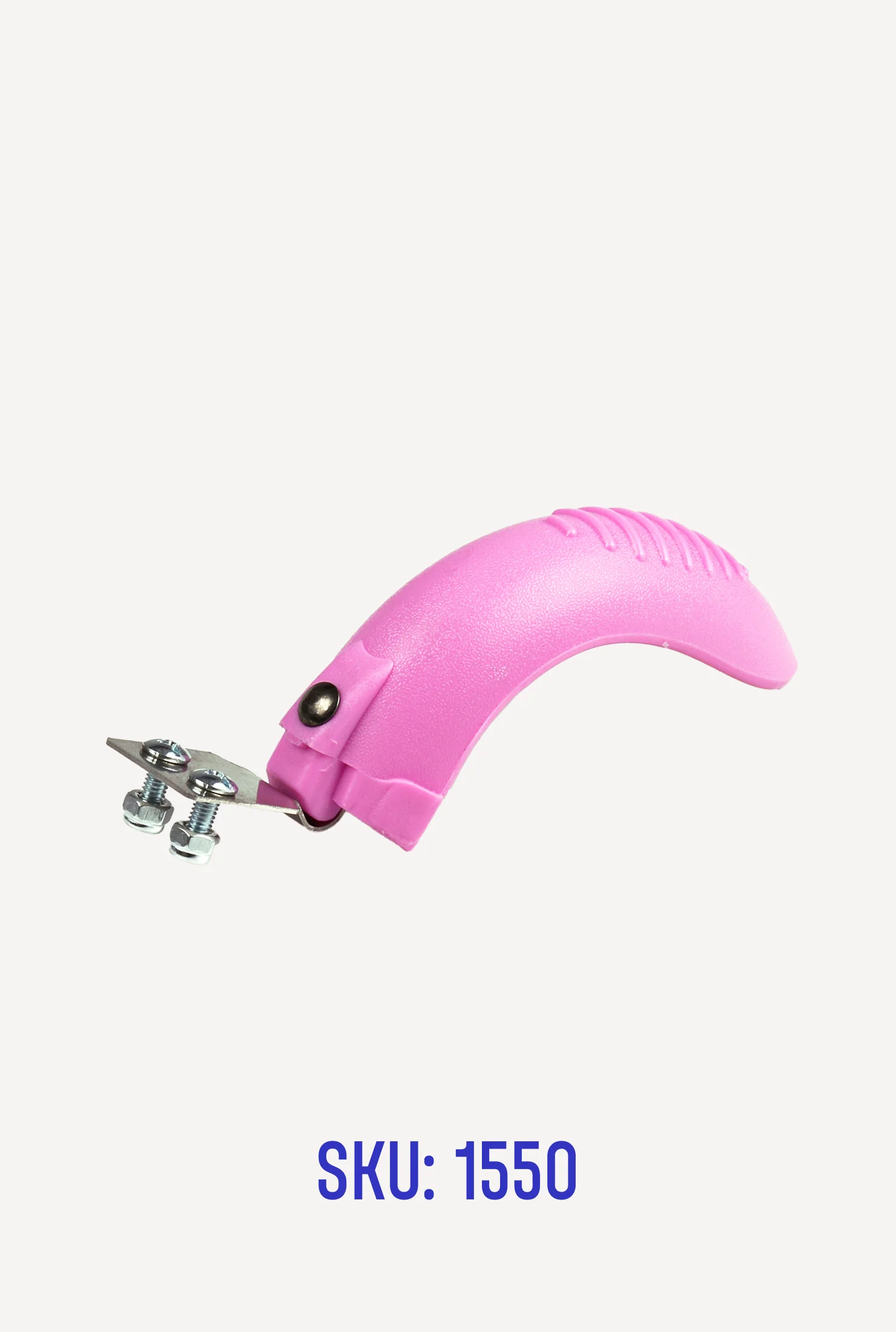
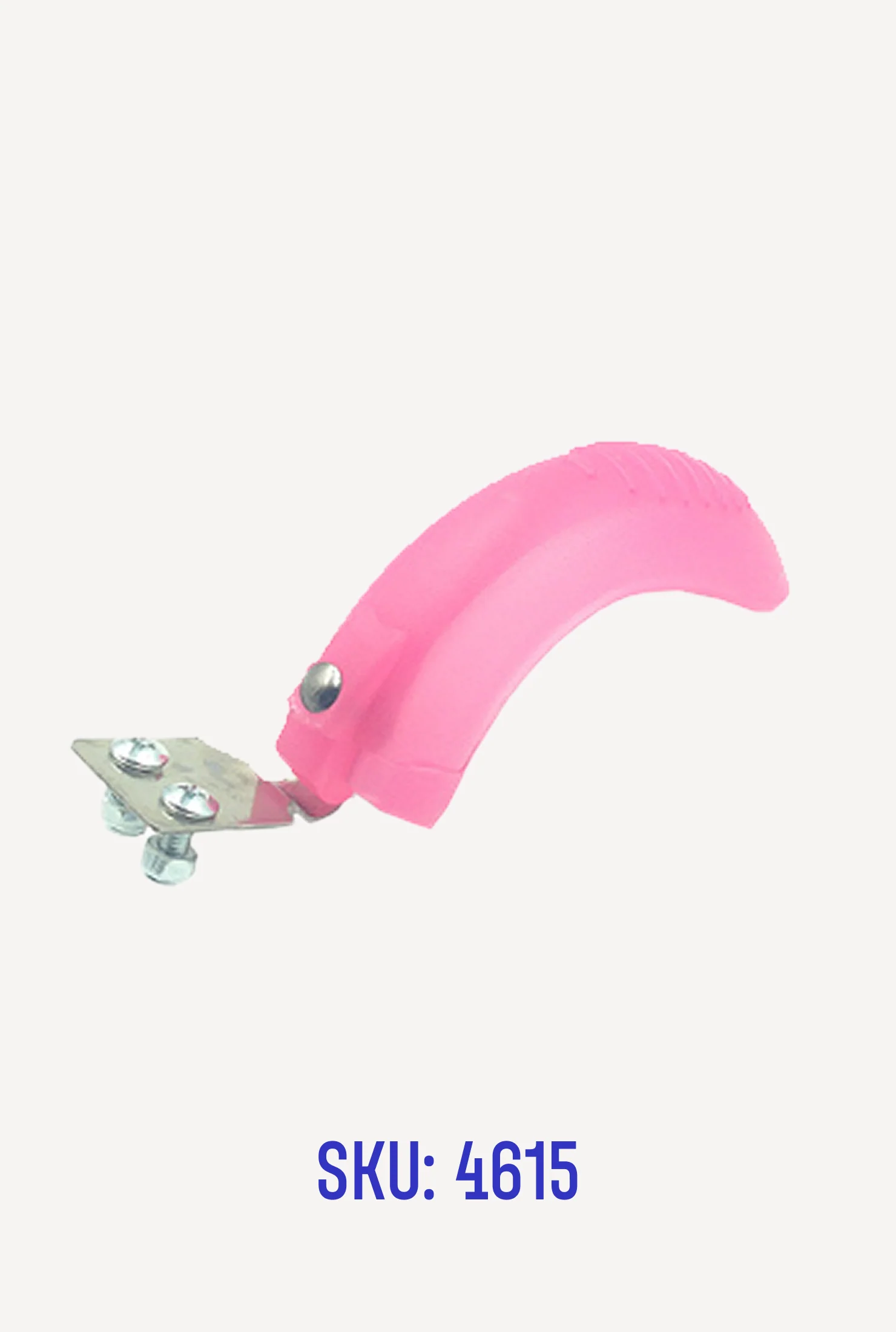
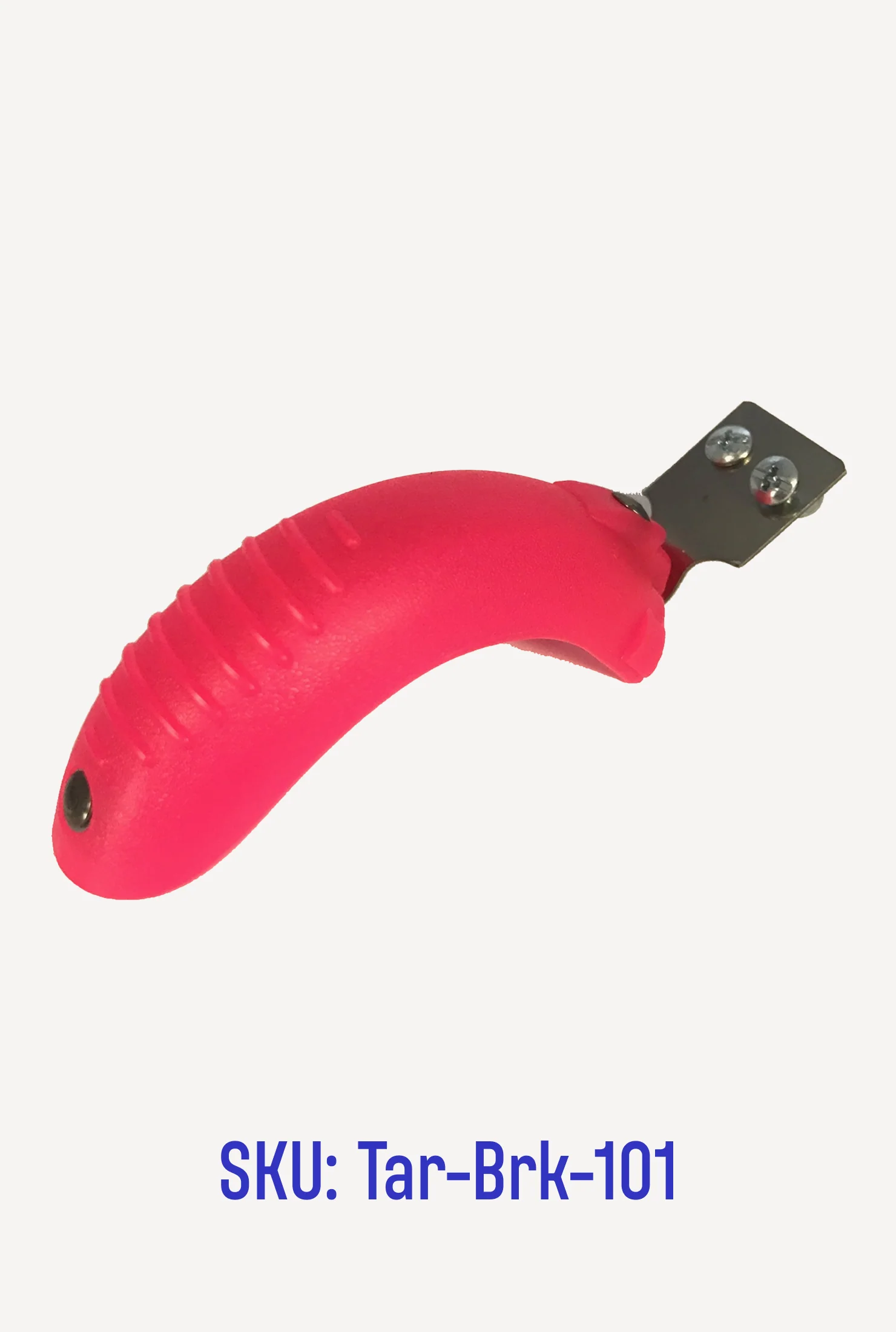
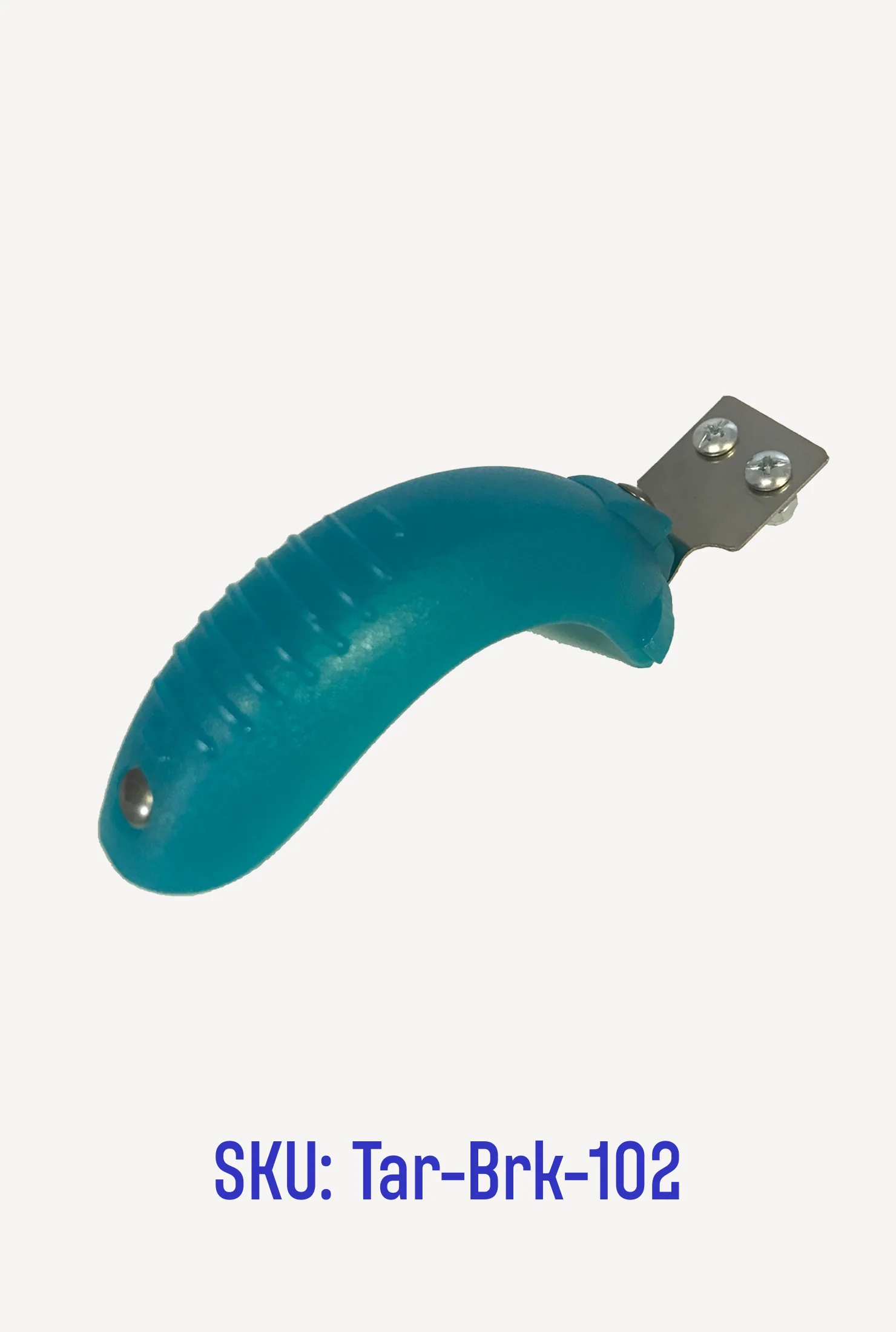
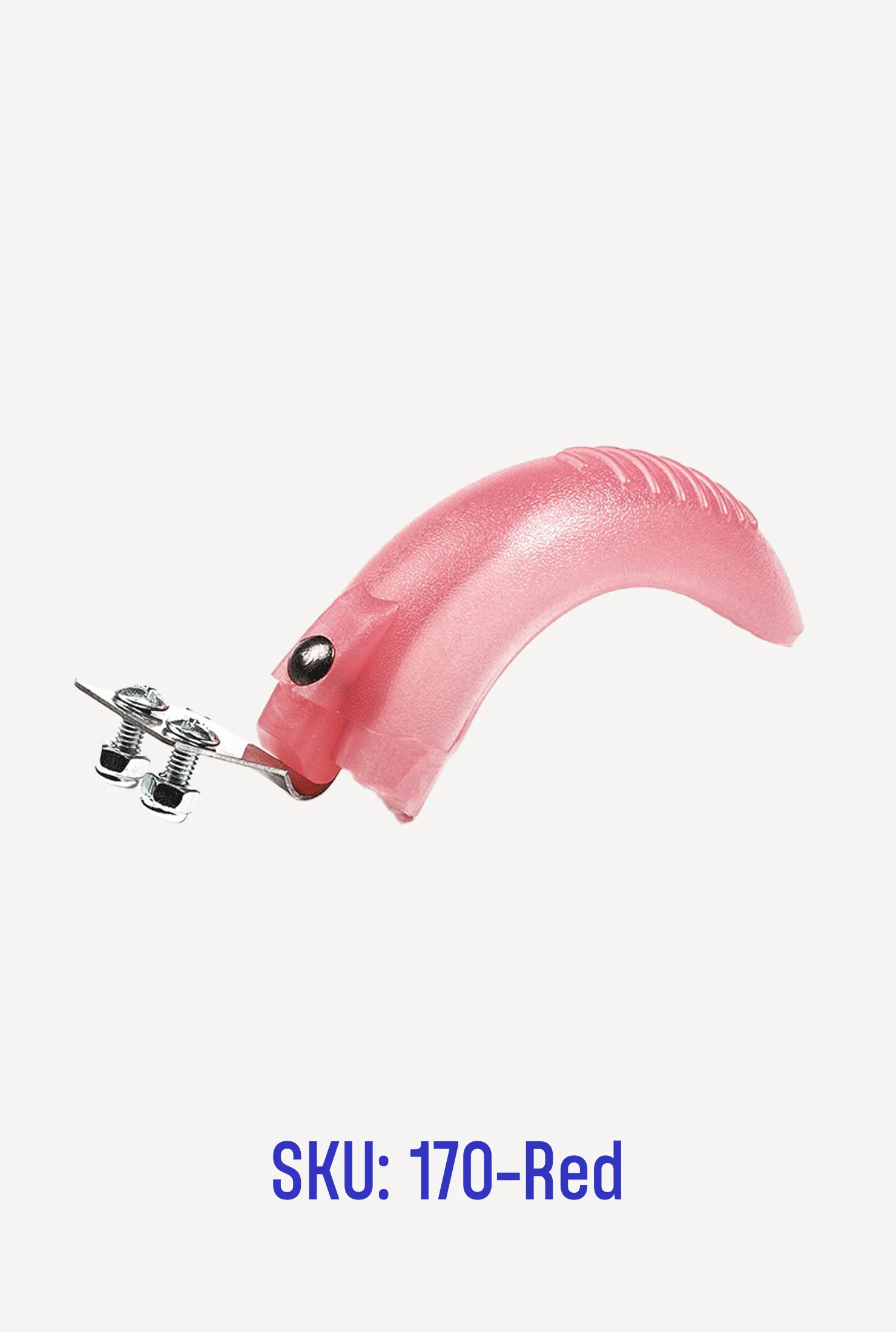
This tiny part works hard to keep riders safe in stop-and-go traffic. Check yours for wear periodically and replace when necessary. To install: Use a Phillips-head screwdriver to unfasten the eight black screws on the underside of the scooter. Remove the colored deck from the black frame, lifting up from the rear of the scooter first. Unfasten the two silver screws next to the brake, then remove the bolts and stock brake. Replace with new brake, reattaching bolts. Position the deck on the black base, rear end first, and replace the eight screws.
Original: $6.99
-65%$6.99
$2.45More Images









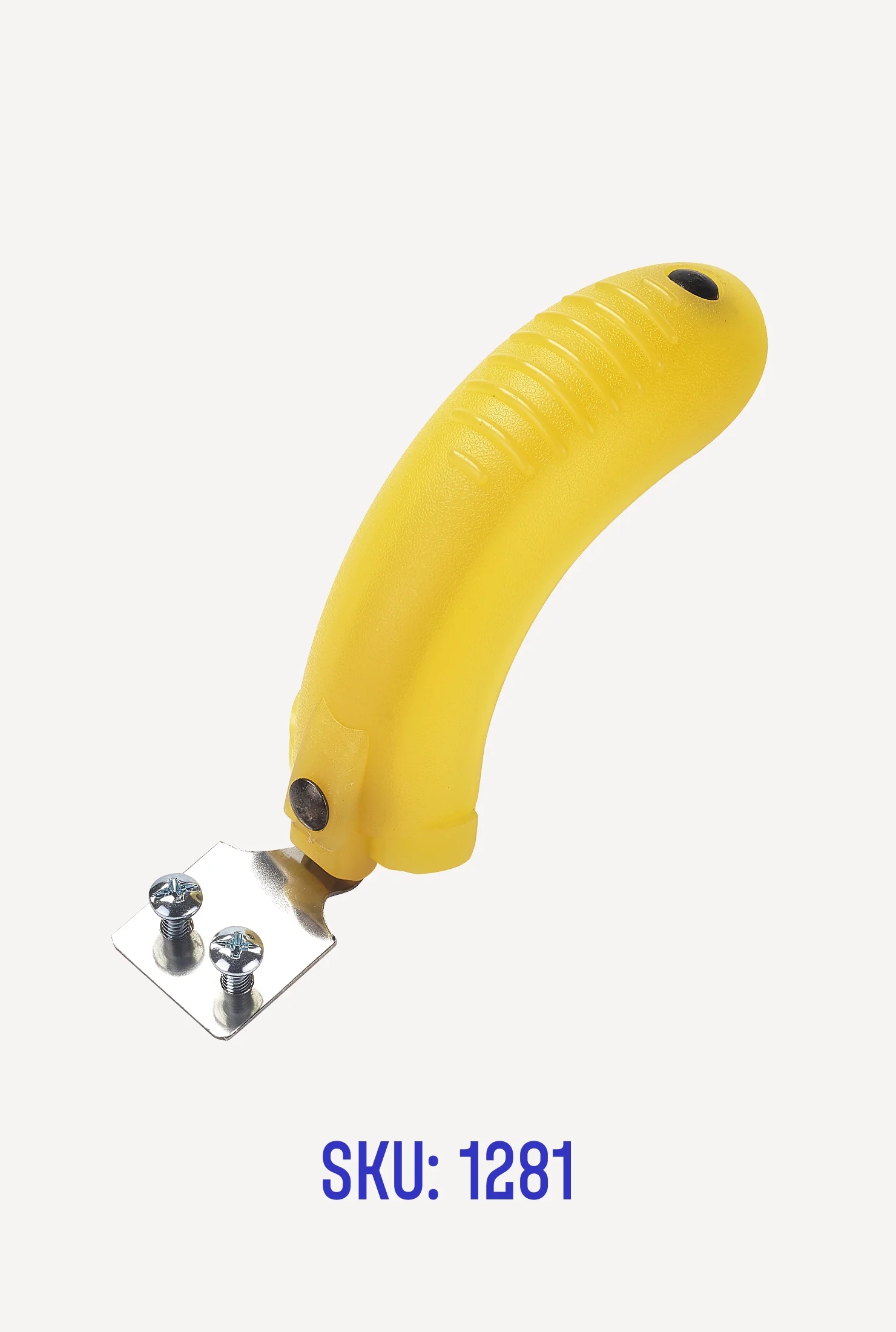
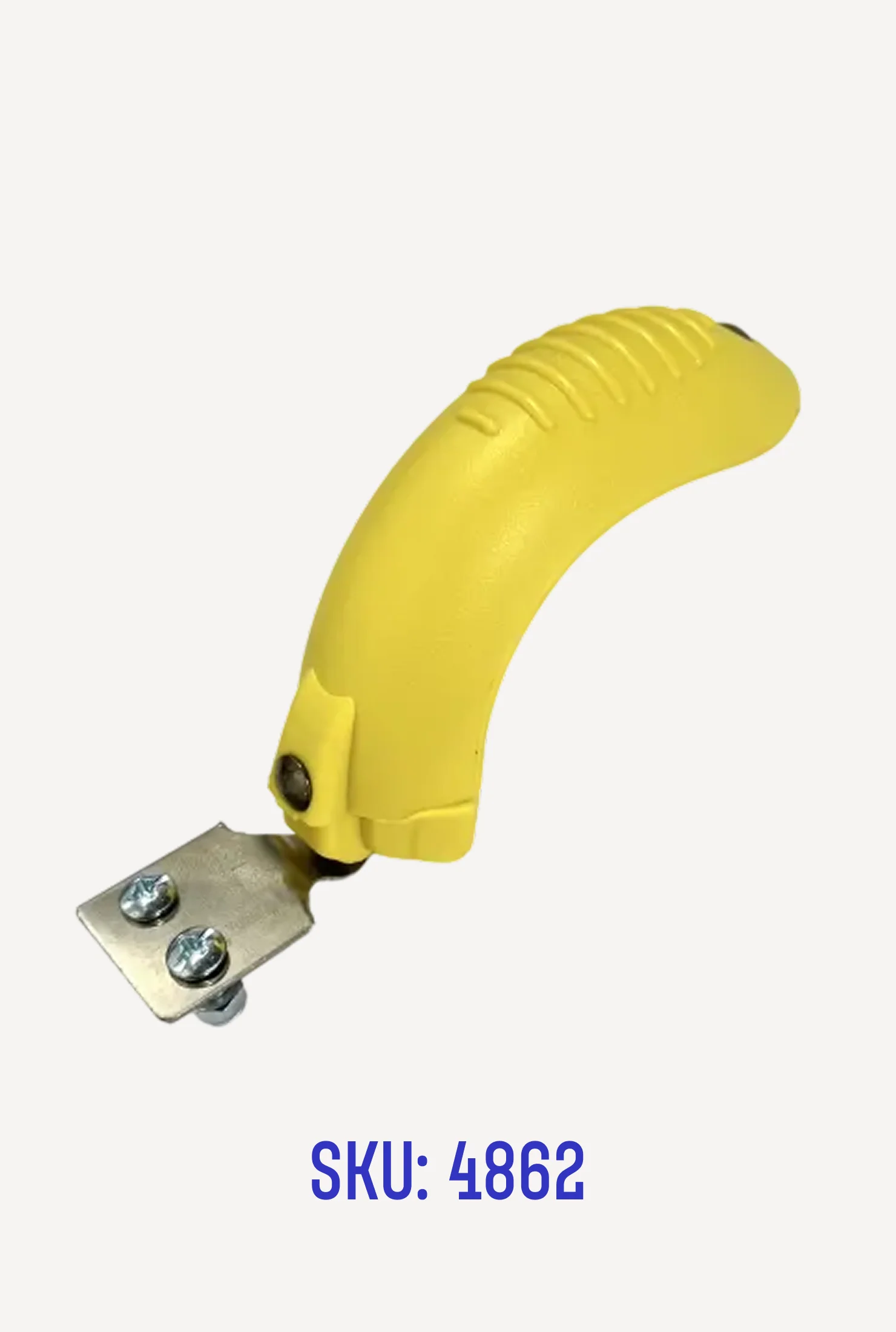


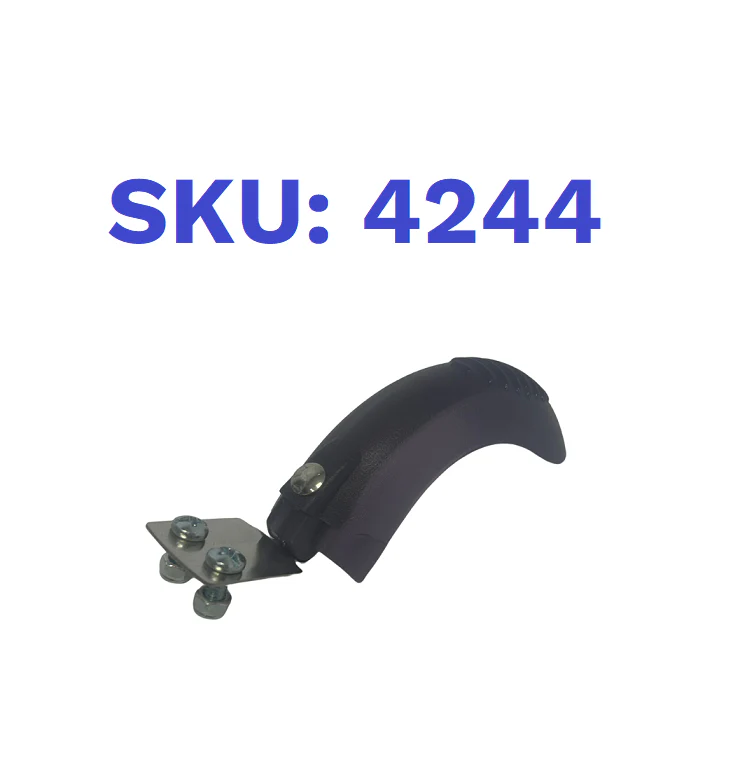
Parts: Brake for Mini
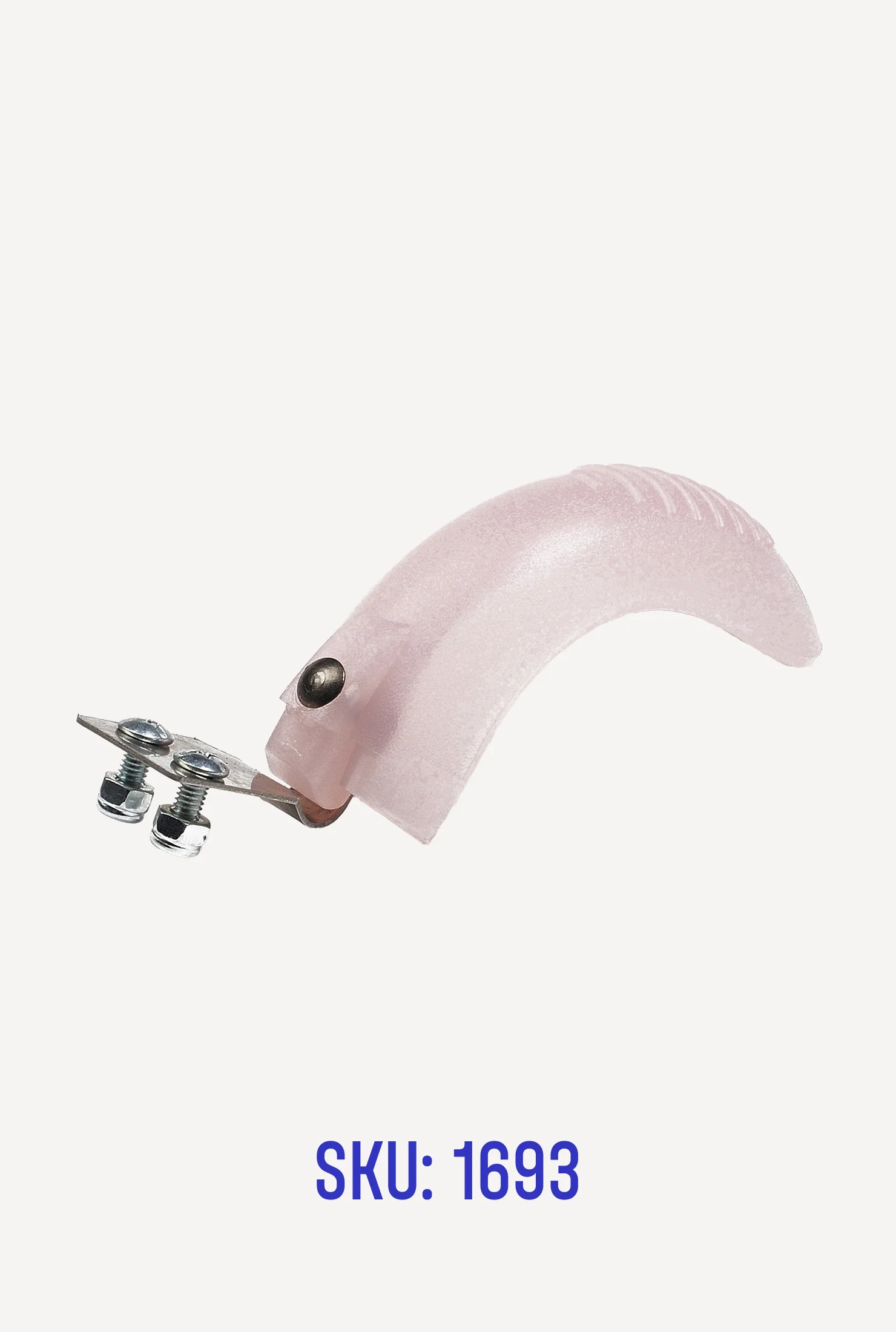
This tiny part works hard to keep riders safe in stop-and-go traffic. Check yours for wear periodically and replace when necessary. To install: Use a Phillips-head screwdriver to unfasten the eight black screws on the underside of the scooter. Remove the colored deck from the black frame, lifting up from the rear of the scooter first. Unfasten the two silver screws next to the brake, then remove the bolts and stock brake. Replace with new brake, reattaching bolts. Position the deck on the black base, rear end first, and replace the eight screws.
Product Information
Product Information
Shipping & Returns
Shipping & Returns
Description
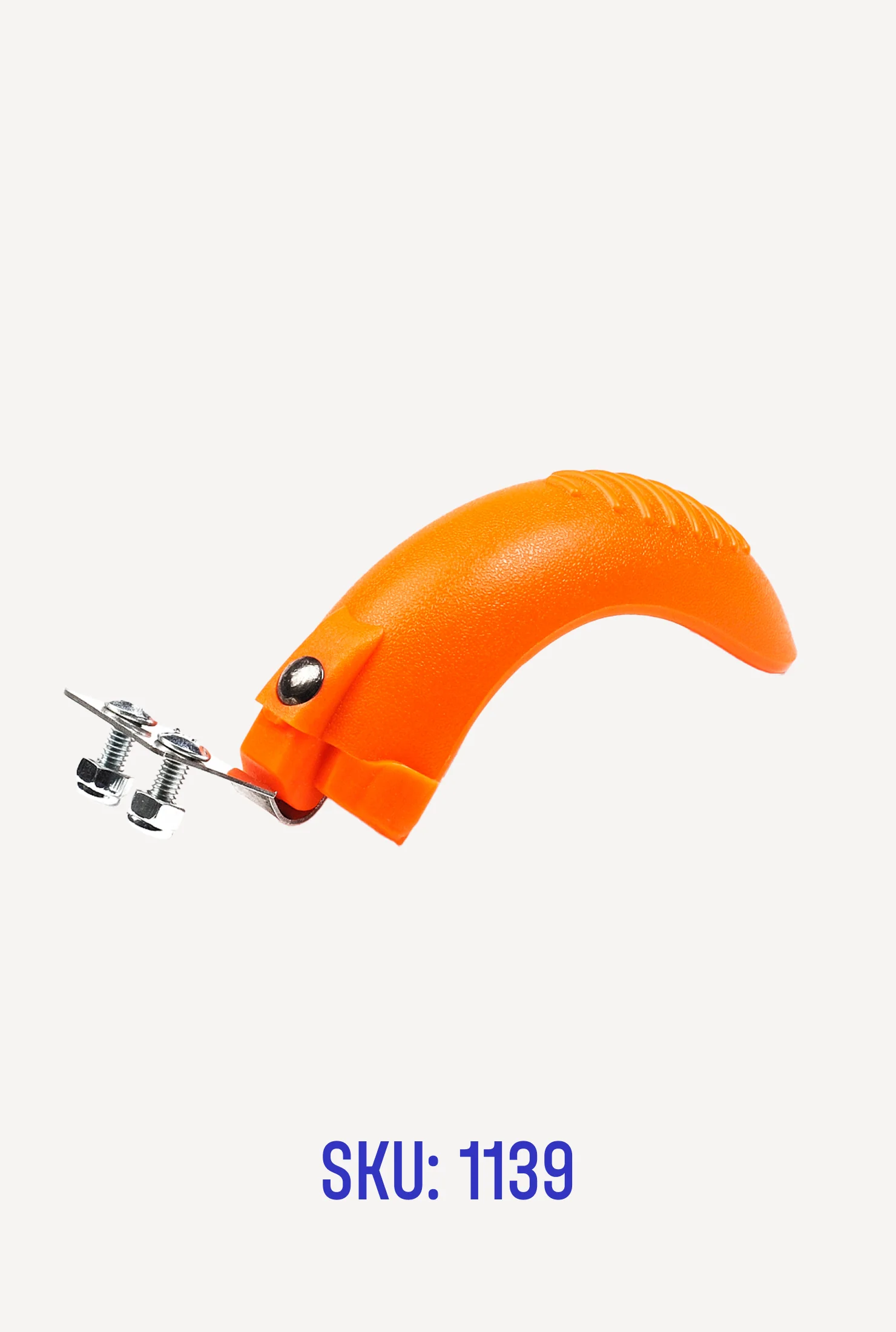
This tiny part works hard to keep riders safe in stop-and-go traffic. Check yours for wear periodically and replace when necessary. To install: Use a Phillips-head screwdriver to unfasten the eight black screws on the underside of the scooter. Remove the colored deck from the black frame, lifting up from the rear of the scooter first. Unfasten the two silver screws next to the brake, then remove the bolts and stock brake. Replace with new brake, reattaching bolts. Position the deck on the black base, rear end first, and replace the eight screws.